You can monitor your agent’s performance in the
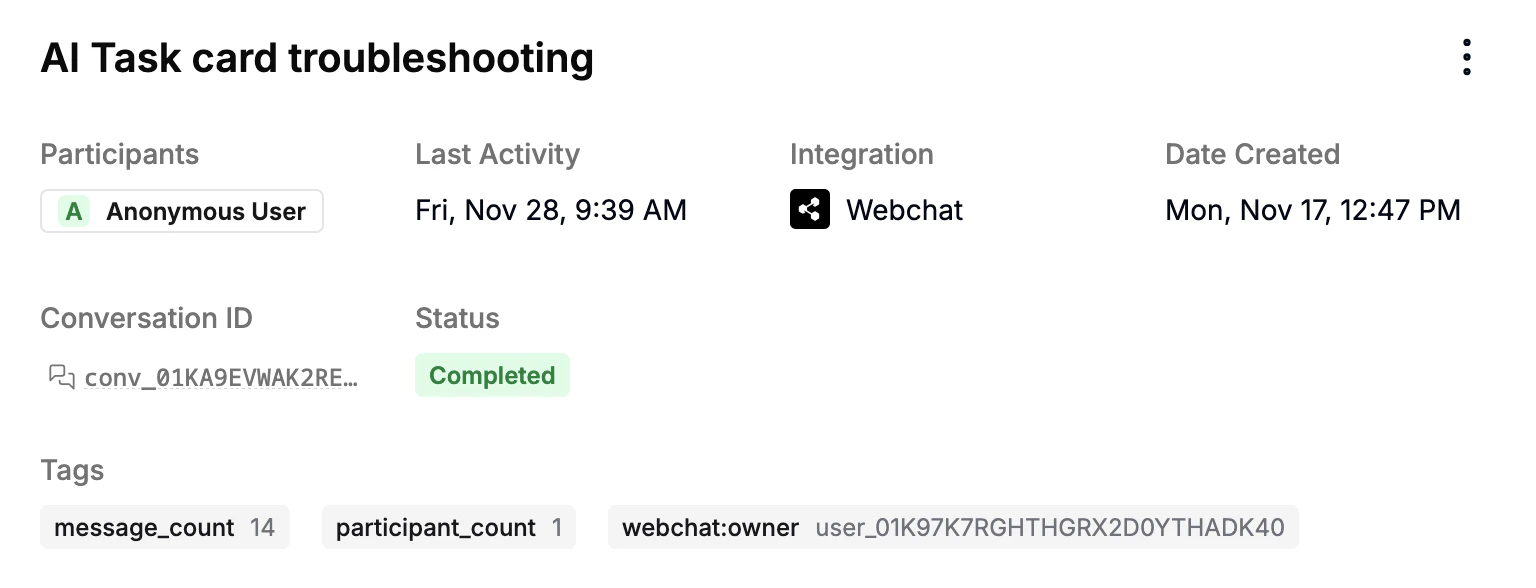
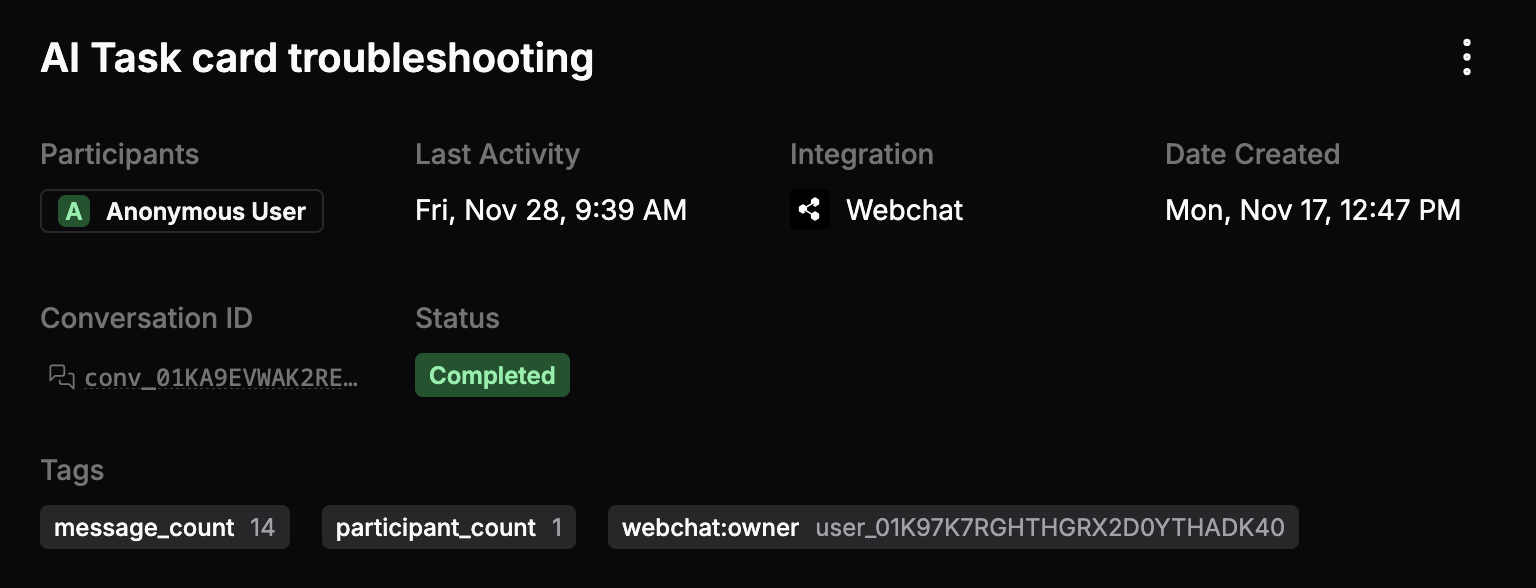
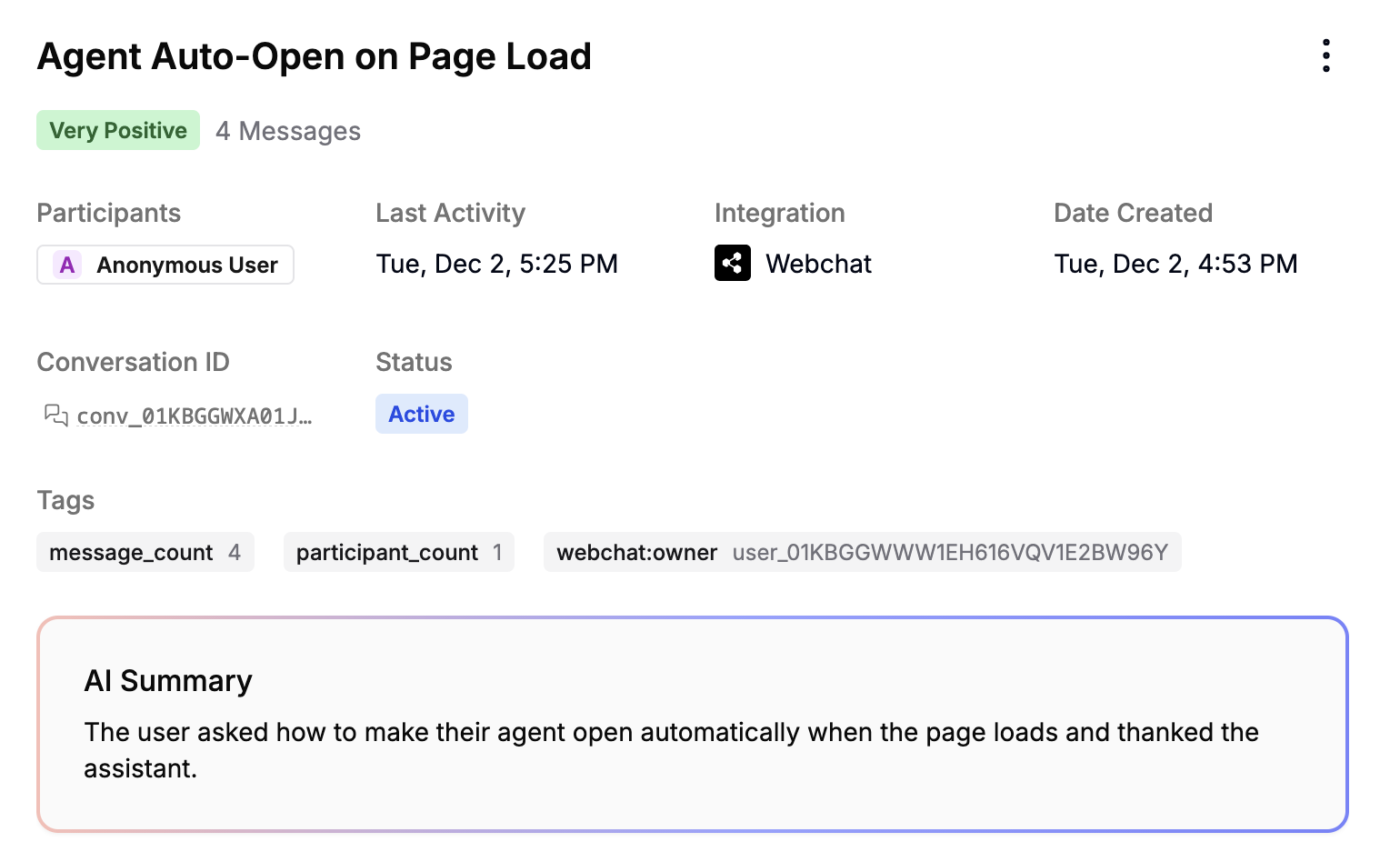
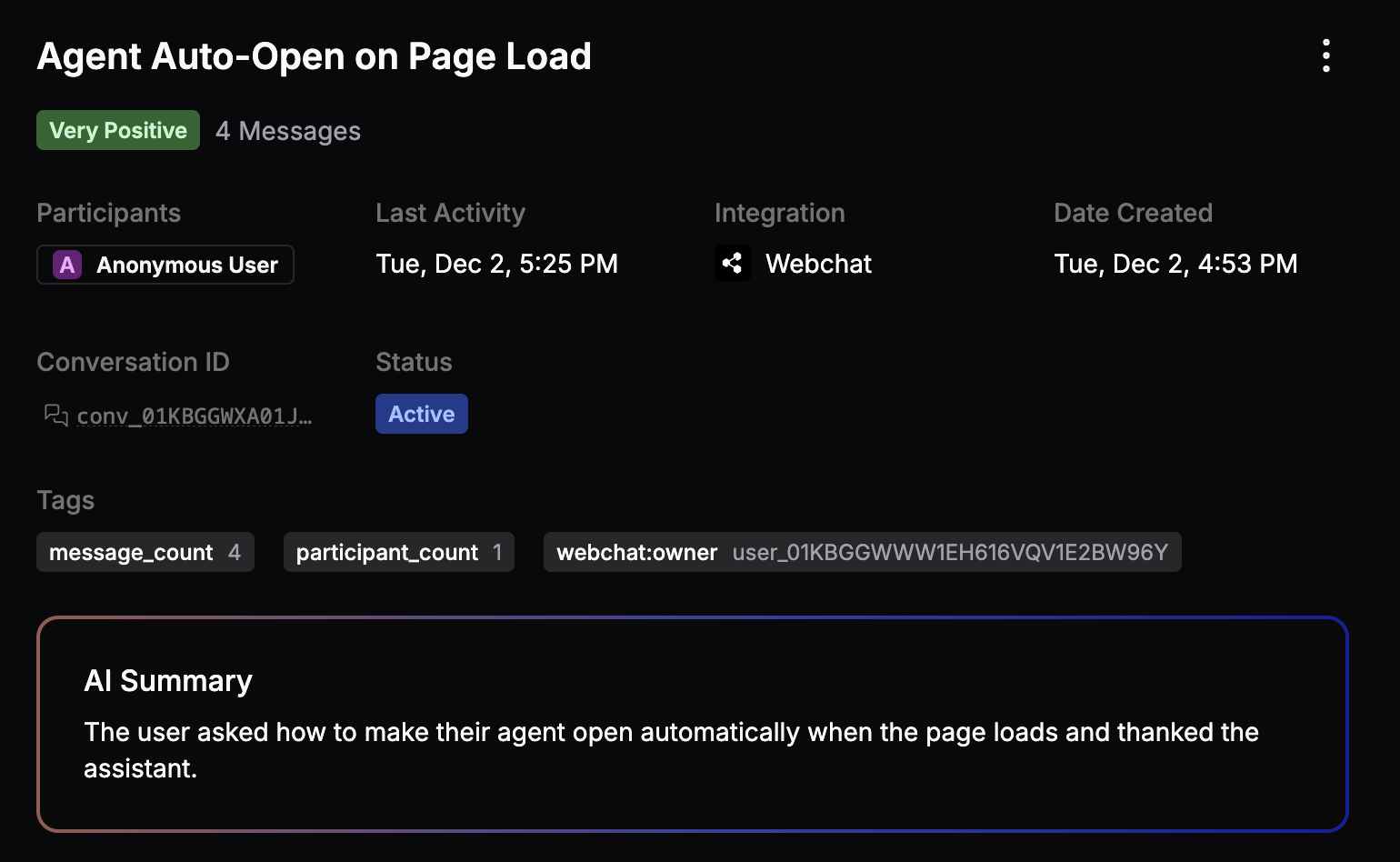
Conversations You can view a list of all your agent’s conversations in the Conversations sub-section. Just select any conversation to view its details:
In this menu, you can access:
The conversation’s participants
Its conversation ID
Which integration it occurred on
Its start date and last activity
Its current status
Any tags associated with it
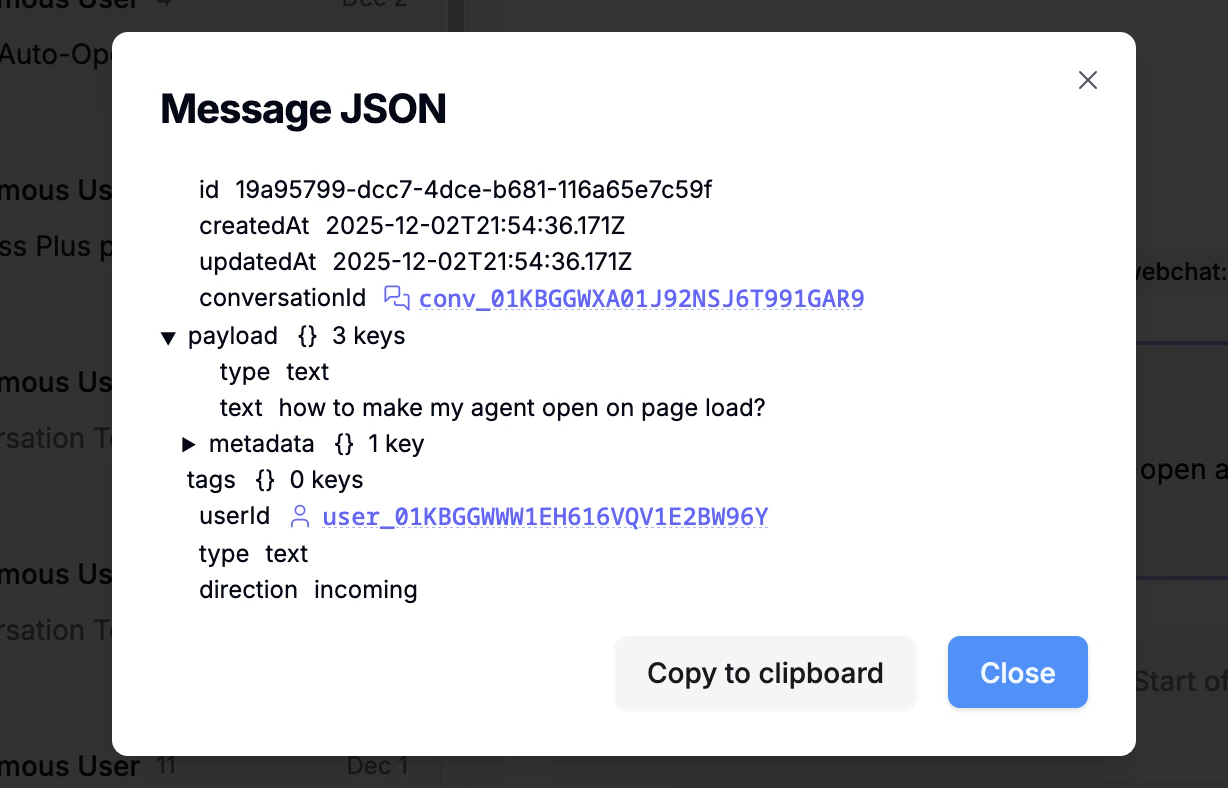
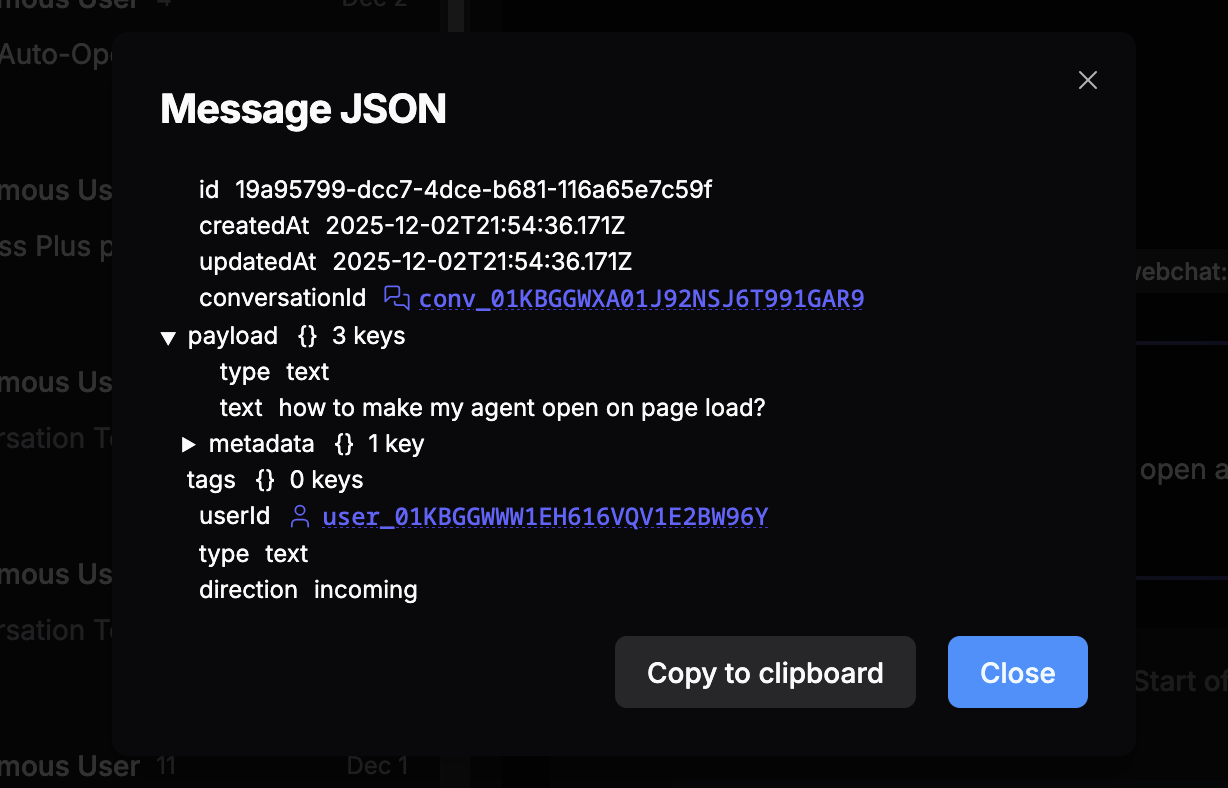
Message data You can select any message in the conversation to get a detailed JSON representation of all its associated data:
AI insights Select
Users You can view all your agent’s unique users in the Users sub-section. Select any user ID to open conversations , events , or logs associated with that user.
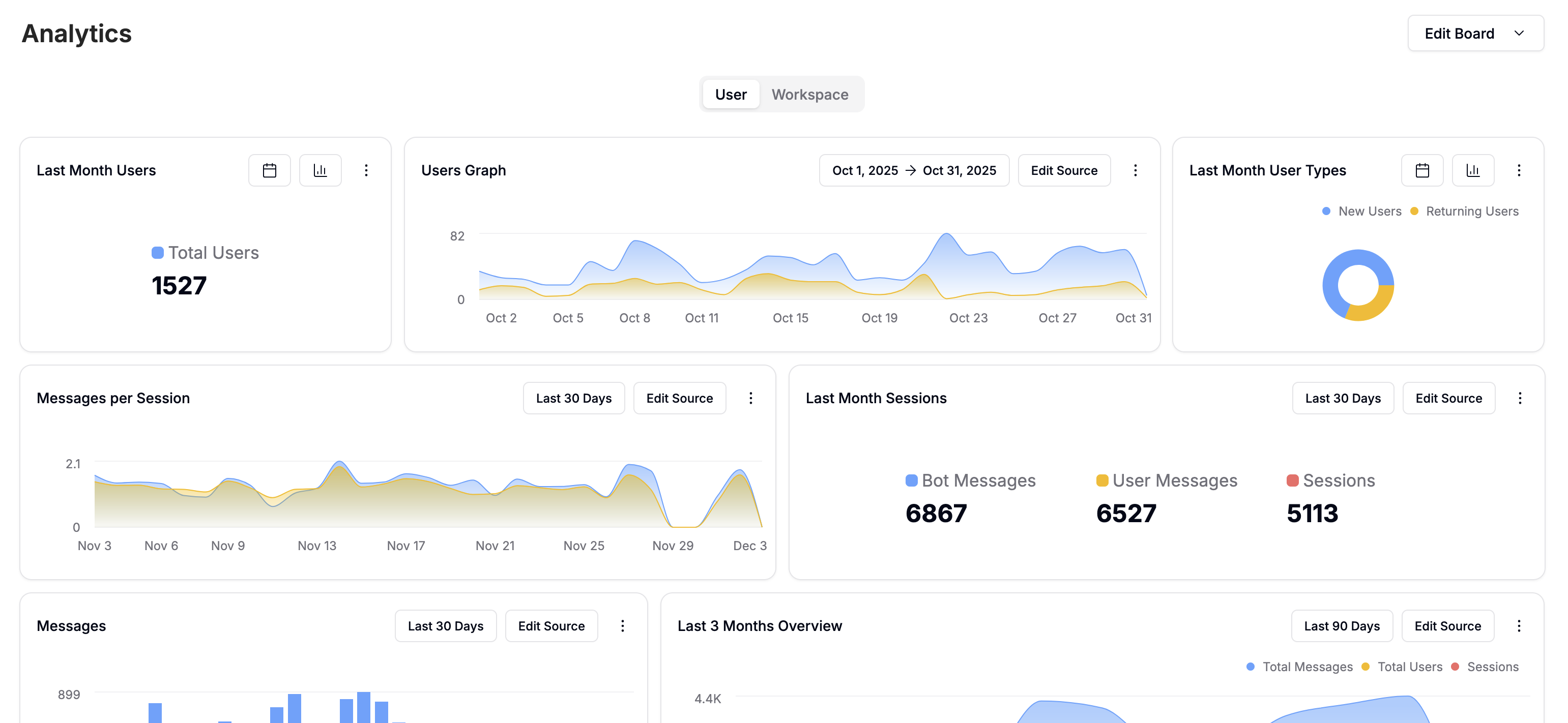
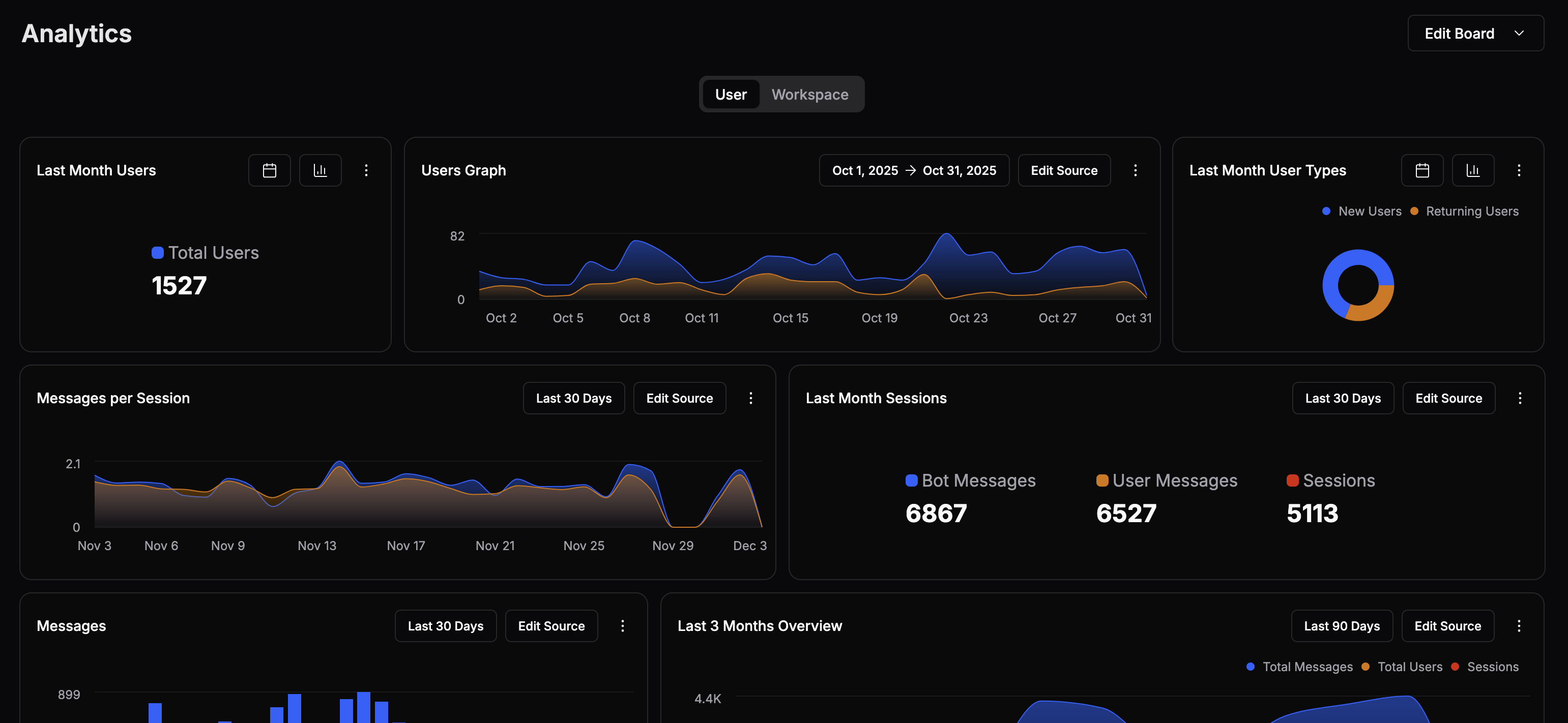
Analytics You can view detailed analytics about your agent’s performance in the Analytics sub-section:
For any tile, you can:
Select the current range
Select Edit Source
Select
Show/Hide Legend Type Duplicate Delete
Last modified on June 12, 2026