The ADK provides two observability views in the dev console and a CLI command for reading logs.
Traces
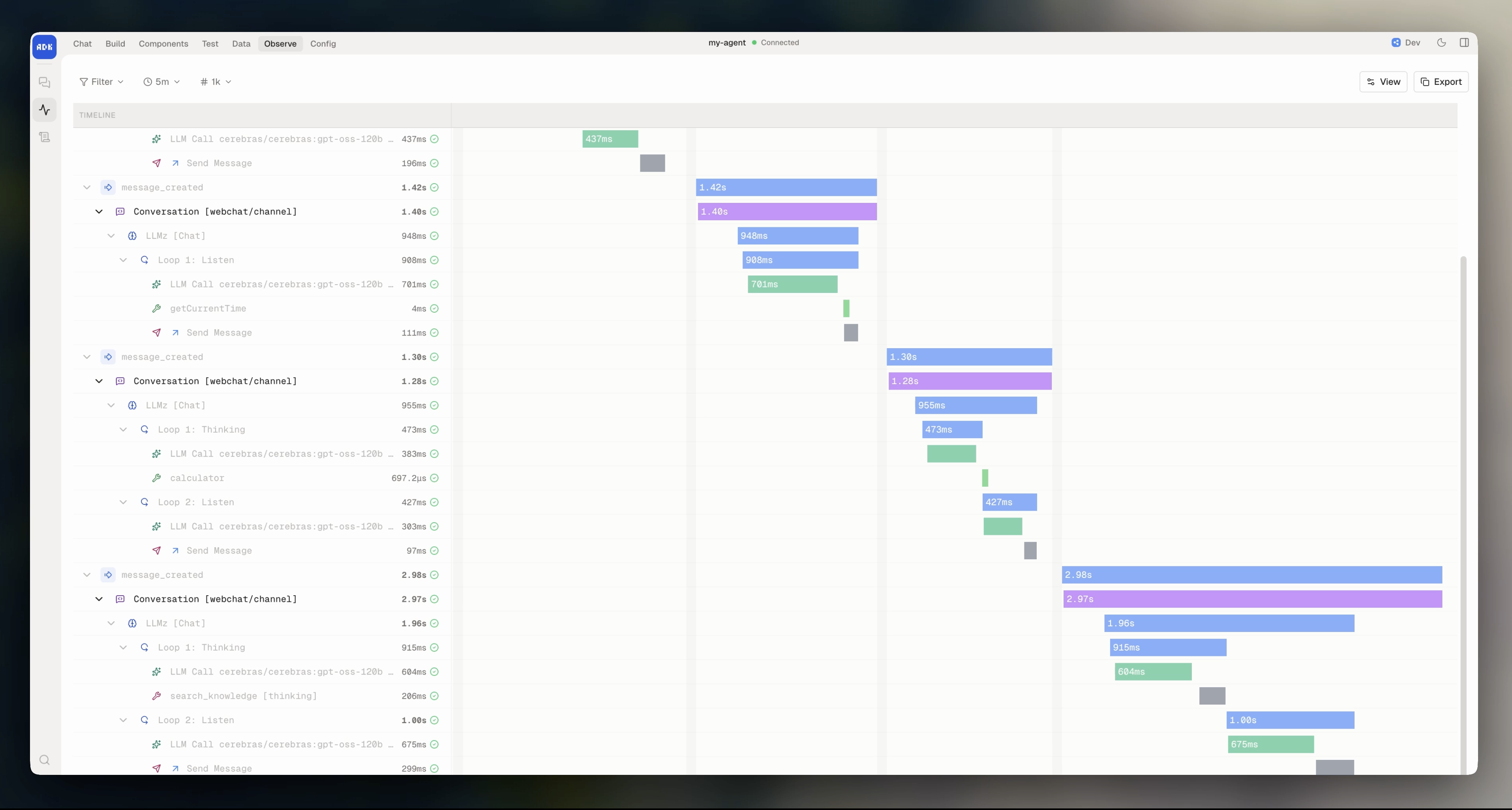
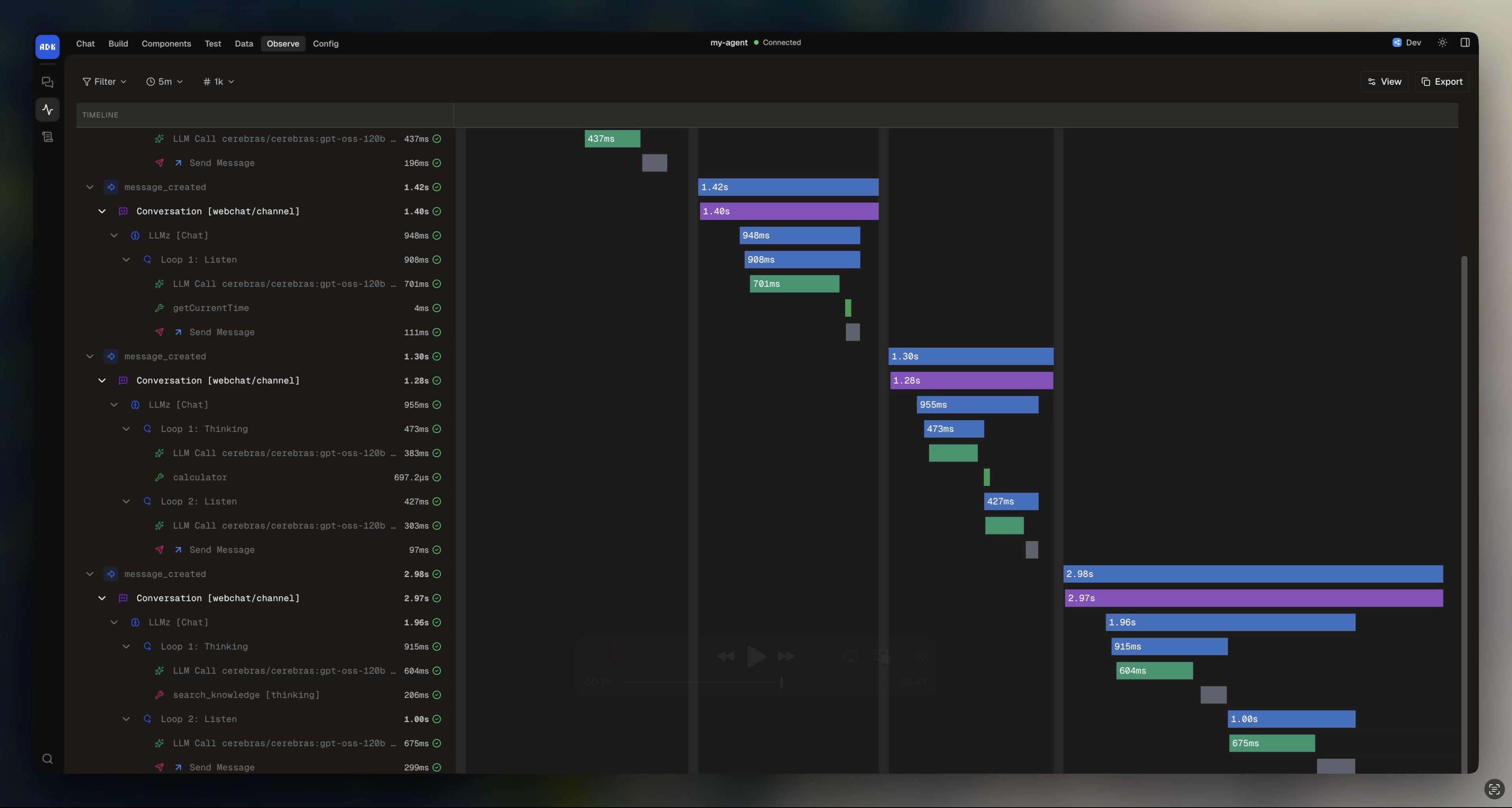
The Traces view in the dev console shows a timeline of every span in your agent’s execution. Each conversation turn, workflow step, tool call, and LLM request is captured as a span with timing and metadata.
What you can see
- Handler spans showing conversation and workflow handler execution
- Autonomous execution spans for each
execute() call, including iteration count and model used
- Tool call spans with input, output, and duration
- LLM call spans with model, token usage, and latency
- Knowledge search spans with queries and result counts
- Error spans with stack traces
Filtering
Filter traces by time range, span type, or search for specific content. Click any span to expand its details and see its child spans.
Logs
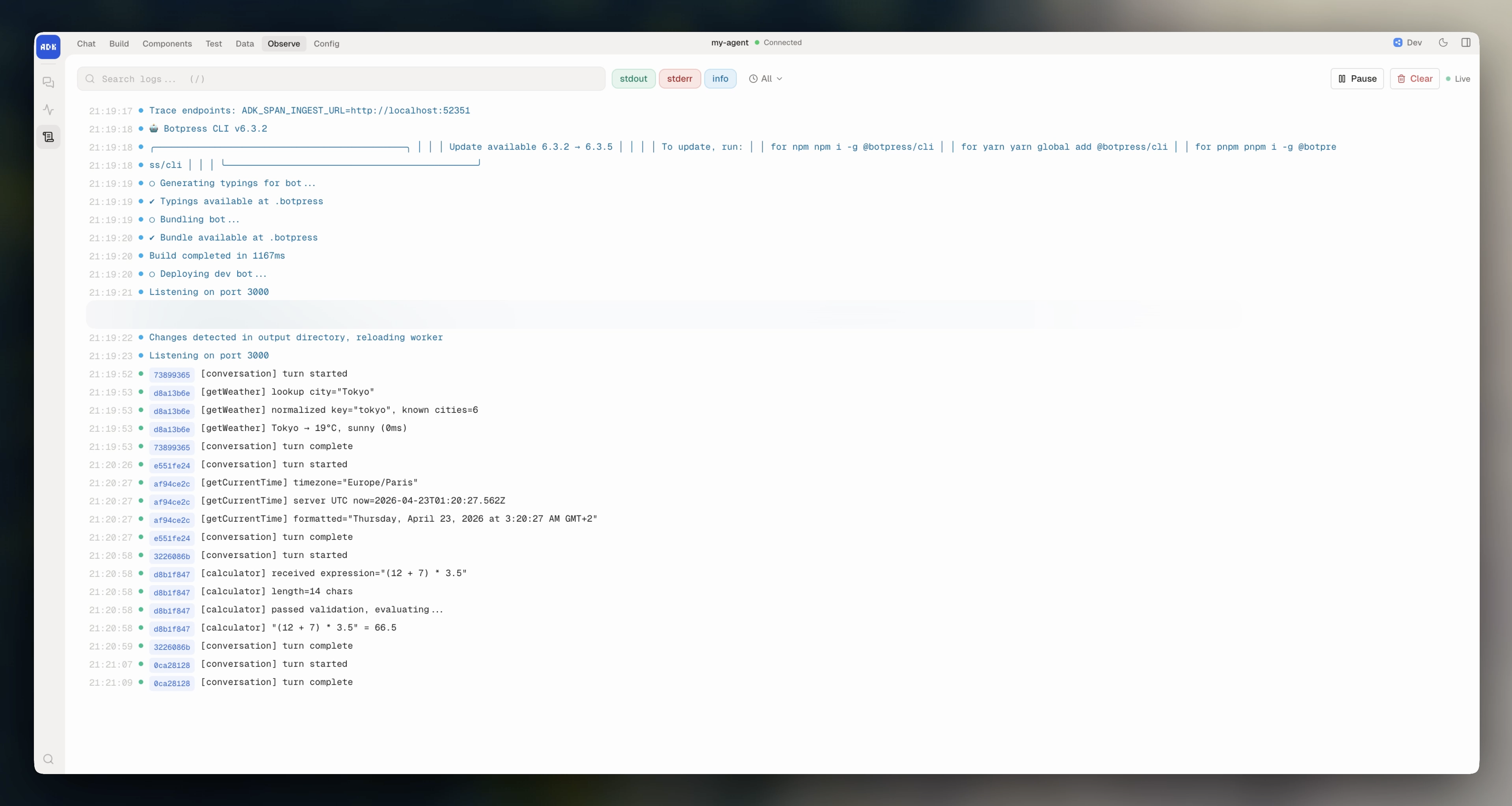
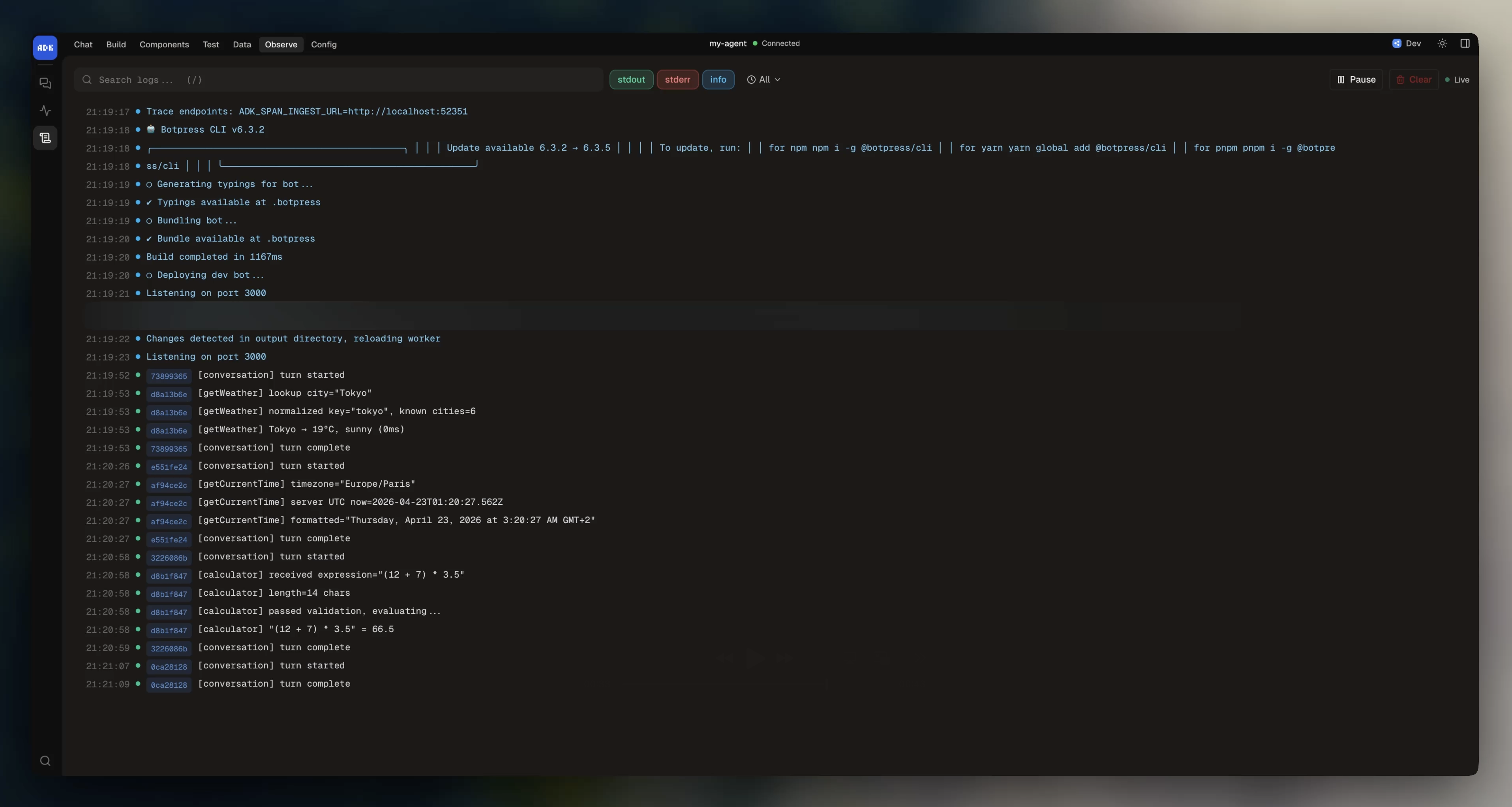
The Logs view in the dev console shows structured log output from your agent. Any console.log, console.warn, or console.error from your handlers, tools, and actions appears here.
CLI
You can also read logs from the command line:
adk logs                         # Show recent logs
adk logs --follow                # Stream logs in real time
adk logs error                   # Errors only
adk logs warning since=1h        # Warnings and errors from the last hour
adk logs limit=100               # Last 100 entries
error / warning / info (cumulative level), since=<duration>, and limit=<n>. See the CLI reference for all flags.
Logs are stored in .adk/logs/ while the dev server is running. Last modified on April 27, 2026