


- Businesses using sales chatbots report a 67-70% increase in sales.
- The top 10 sales chatbot tools are Botpress, HubSpot Chatbot Builder, Intercom, Salesforce Einstein Bots, Drift, Qualified, Conversica, Kore.ai, Landbot, and LivePerson.
- Best practices include using agentic AI, using proactive messaging, and monitoring for both conversation quality and quantity.
AI chatbots are everywhere – and most of them are sales chatbots.
There are plenty of ways to use AI for sales, but AI chatbots and AI agents are especially versatile. They've rapidly surged in adoption, partially because they can be applied at any stage of an AI sales funnel.
The best time to start implementing a sales chatbot is today. Here’s everything you need to know to get started.
What are sales chatbots?
Sales chatbots are AI tools that engage customers, automate lead qualification, and assist with purchases. They provide 24/7 support across various digital platforms.
By automating tasks like FAQs and product suggestions, sales chatbots let sales teams focus on complex deals. This boosts productivity and improves customer satisfaction.
Integrated with CRMs, they track interactions and provide insights into buyer behavior, helping businesses make data-driven decisions and increase conversions.
Do chatbots increase sales?
Yes, sales chatbots can significantly boost sales. Businesses using chatbots for sales have reported an average sales increase of 67%.
Additionally, chatbots were predicted to generate $112 billion in retail sales in 2024.
A sales chatbot is like 10x-ing your sales efforts – they work 24/7, in every language, bringing leads along your defined sales funnel.
Sales Chatbot Statistics
Business leaders have reported:
- A 67% increase in sales through chatbots.
- 26% of all sales transactions initiate from a bot interaction.
- 35% of business leaders credit digital assistants for closing deals.
- 41% of chatbots on company websites in 2020 were sales chatbots.
- In some industries, chatbots boost sales by up to 70%.
8 Best Practices for Sales Chatbots

With several years of experience deploying sales chatbots, we know a thing or two about how to do it right. Here are a few insights from our CSM team to start you on the right path:
1. Use proactive messaging wisely
Don’t wait for customers to reach out. Use data-driven insights to send proactive, timely messages about deals, product recommendations, or reminders, but avoid spamming users with irrelevant updates.
2. Optimize for follow-up and multi-channel outreach
A good sales chatbot doesn’t stop at one conversation. Set it up to nurture leads across channels like email or SMS and track where users are in the sales funnel to maintain consistency.
3. Monitor conversation quality, not just volume
It’s not enough to count how many conversations your chatbot handles. Analyze chat transcripts to assess lead quality, customer sentiment, and whether the bot is effectively guiding users toward conversion.
4. Tell users they’re speaking to a bot
Transparency builds trust. Always let users know they’re speaking to a bot – it sets clear expectations and creates a smoother, more authentic experience.
5. Use agentic AI
If you're building an AI chatbot, build it with agentic AI. Traditional chatbots carry out conversations, but AI agents can take real actions on behalf of their users.
Instead of just answering questions, they can complete workflows, update records, trigger processes, and integrate with business systems.
6. Design with escalation paths in mind
Even the smartest chatbots can’t handle every scenario. Ensure your bot knows when to escalate a conversation to a human, and make that handoff seamless. Customers shouldn’t feel like they’re starting from scratch.
7. Prioritize intent recognition over endless scripts
Rather than relying on predefined flows, focus on training your chatbot to accurately identify user intents. This ensures flexibility and responsiveness, even in unpredictable sales conversations.
8. Align chatbot goals with sales metrics
Make sure your chatbot directly contributes to key sales objectives, like improving lead qualification rates or shortening sales cycles. Tie chatbot performance to measurable outcomes that matter to your team.

Top Sales Chatbot Use Cases
How can you use a chatbot for sales? Oh, let me count the ways.
If you're building on a flexible platform, there are unlimited ways to use an AI chatbot to improve a sales journey. We're going to go over a few of the most common, but remember that the sky is the limit.
Lead Qualification
Out of the thousands of chatbots we've deployed, the most common is the AI lead generation bot.
These chatbots can generate leads, qualify them, and conduct the first steps to nurture them.
If a company a) doesn't have enough leads or b) has too many leads to manage, then an AI solution is necessary to scale its sales motions.
A sales chatbot can qualify leads instantly by asking key questions about budget, needs, and decision-making power. It filters out bad fits, scores leads, and routes high-value prospects to sales reps.
Lead Nurturing
The next step in the AI sales funnel is nurturing the leads. A sales chatbot keeps leads warm by delivering timely nudges, sharing relevant insights, and handling follow-ups without feeling pushy.
It can drop a well-placed case study, remind a prospect about that demo they ghosted, or resurface an old conversation at just the right moment. Whether someone’s curious but hesitant or stuck in decision paralysis, the chatbot keeps them engaged throughout the process.
Appointment Scheduling
Most sales chatbots act as booking chatbots, scheduling meetings with clients without the work of sales reps.
Instead of endless email back-and-forth, it offers available time slots, syncs with calendars (through integrations with apps like Calendly and Google Calendar), and confirms appointments automatically.
If a prospect needs to reschedule, no problem — it handles that too. Plus, it can send reminders to cut down on no-shows.
Personalized Product Recommendations
A good salesperson listens before they pitch. A chatbot can do the same — picking up on what a prospect actually wants and dropping the right product in front of them at the right moment.
Whether it’s upselling, cross-selling, or just steering someone toward the best fit, the chatbot personalizes recommendations in real time. It works across chat, email, or a website, keeping the buying journey smooth while saving you from playing product matchmaker.
Competitive Differentiation
Most buyers are comparing options before they ever talk to sales. A chatbot can step in early, highlighting what sets you apart — whether it’s better features, stronger support, or a smarter approach.
It can handle side-by-side comparisons, bust common objections, and reinforce why your product is the right choice, all without making prospects wait for a reply.
Automating Follow-Ups
Following up is essential, but it’s also easy to forget — or worse, do too late. A chatbot keeps things moving by automatically checking in after demos, reminding prospects about unfinished sign-ups, or nudging them when they’ve gone quiet.
It can even tailor messages based on where someone left off, so it doesn’t feel like a generic ping.
Top 10 Chatbots for Sales
1. Botpress
Best for: Handling customer conversations end-to-end with AI, including ticketing, troubleshooting, and human handoff
Botpress is an AI-native customer support platform for SMBs and mid-market companies. It supports AI ticketing, multichannel conversations, and autonomous troubleshooting for technical issues. It can be used alongside legacy systems as an advanced AI layer or in place of them, while supporting both customers and customer service agents within the same system.
Key features
- AI ticketing
- Seamless AI agent ↔ employee handoff (in both directions)
- Multichannel support
- Autonomous technical troubleshooting
- Unified inbox
- Conversation summaries
Pros
- Combines AI automation with human support workflows
- Integrates with tools like Zapier, HubSpot, Zendesk, Calendly, and 190+ more tools
- Works across multiple channels in one system
- Can layer onto existing tools or replace them
Cons
- Requires setup to fully take advantage of capabilities
- More advanced than simple chat-only tools
Pricing
Starts at free (with paid plans based on usage)
2. HubSpot Chatbot Builder
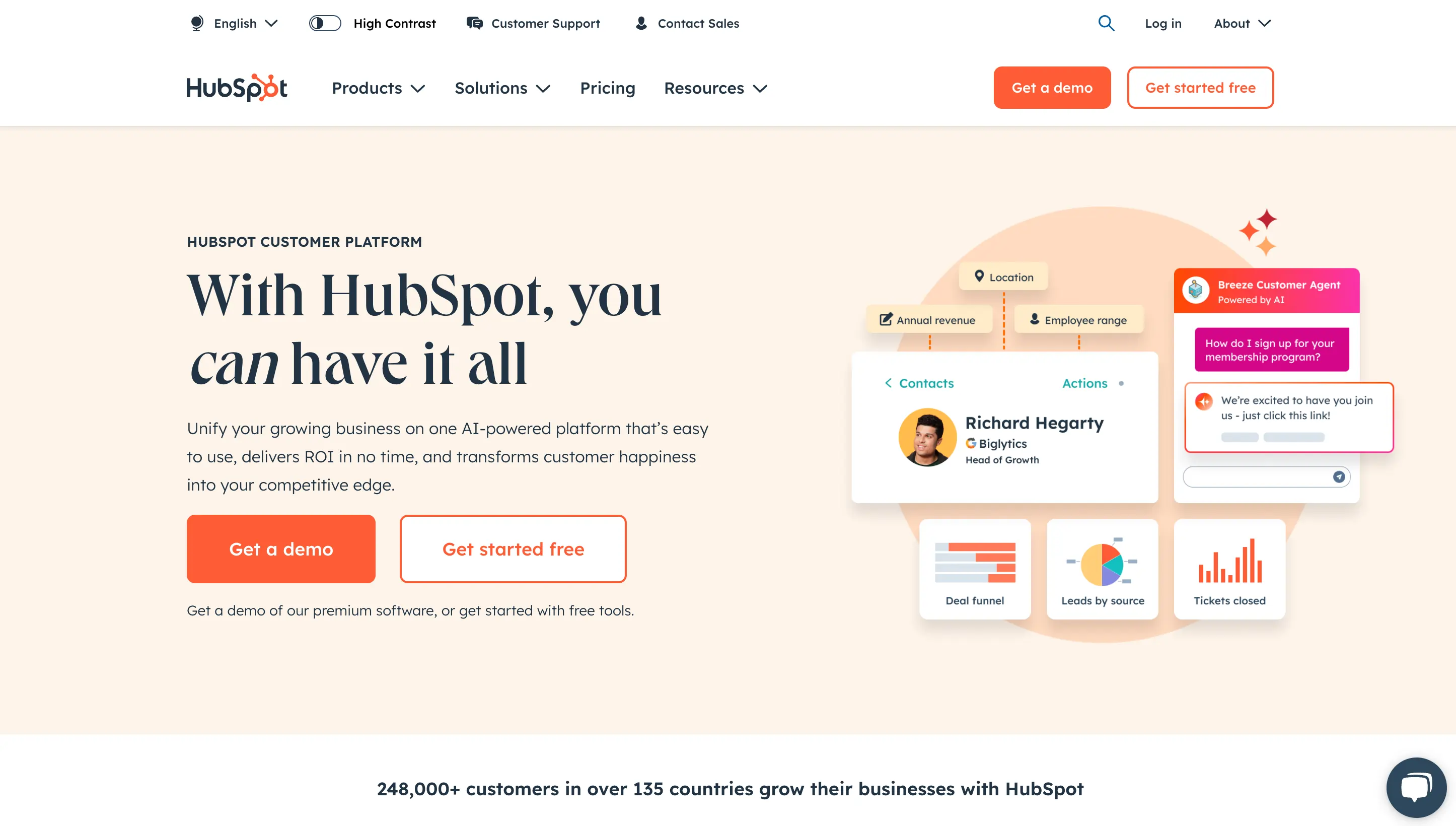
Best for: Qualifying leads and booking meetings directly inside your CRM
HubSpot’s chatbot builder is built directly into its CRM, making it easy to capture, qualify, and route leads without leaving the platform. It’s commonly used for inbound sales workflows like meeting booking and lead routing, with automation tied directly to contact records and pipelines.
Key features
- Lead qualification chatflows
- Automated meeting booking
- CRM-native data syncing
- Lead routing to sales reps
- No-code builder with templates
Pros
- Tight integration with HubSpot CRM
- Easy to set up and launch
- Strong for inbound sales workflows
Cons
- Advanced AI features require higher-tier plans
- Limited flexibility compared to more customizable platforms
Pricing
Starts at free; advanced features in paid tiers
3. Intercom (Fin AI)
Best for: Converting website visitors into leads with AI-driven conversations
Intercom combines live chat, automation, and AI into a single messaging platform. Its Fin AI agent can handle conversations, answer questions, and guide users toward conversion, making it a common choice for SaaS companies with product-led growth motions.
Key features
- AI agent for handling and routing conversations
- Proactive messaging and chat triggers
- Lead capture and qualification
- Integration with CRM and product data
- Multichannel messaging (web, app, email)
Pros
- Strong user experience and UI
- Combines sales and support in one platform
- Good for high-volume inbound conversations
Cons
- Can get expensive as usage scales
- Less flexible than developer-first platforms
Pricing
Starts at paid plans (no true free tier for AI features)
4. Salesforce Einstein Bots
Best for: Automating lead qualification and routing within complex sales pipelines
Salesforce Einstein Bots are built directly into the Salesforce ecosystem, allowing teams to automate conversations, qualify leads, and trigger actions based on CRM data. They’re typically used by larger sales teams that need automation tightly connected to pipeline management and reporting.
Key features
- Native integration with Salesforce CRM
- Automated lead qualification and routing
- Workflow automation tied to CRM data
- Omnichannel support (web, messaging, etc.)
Pros
- Deep integration with Salesforce data and workflows
- Strong automation for large sales teams
- Scales well with complex pipelines
Cons
- Requires Salesforce to get full value
- Setup can be complex
Pricing
Starts at paid Salesforce plans (varies by package)
5. Drift
Best for: Converting high-intent website visitors into qualified pipeline
Drift focuses on real-time conversations with website visitors, helping sales teams capture and convert demand as it happens. It’s widely used for inbound sales motions where speed to lead and immediate engagement matter.
Key features
- Real-time chat with website visitors
- Lead qualification and routing
- Meeting booking automation
- Account-based targeting and messaging
Pros
- Strong for capturing inbound demand
- Built for sales-focused conversations
- Easy to deploy on websites
Cons
- Less flexible for complex workflows
- Primarily focused on web chat use cases
Pricing
Starts at paid plans (custom pricing for most teams)
6. Qualified
Best for: Engaging high-value website visitors and turning them into pipeline using CRM data
Qualified is designed for teams using Salesforce who want to identify, engage, and convert high-intent visitors in real time. It uses CRM data to personalize conversations and prioritize accounts with the highest revenue potential.
Key features
- Salesforce-native integration
- Real-time visitor identification
- Lead routing and meeting booking
- Account-based engagement tools
Pros
- Strong alignment with Salesforce data
- Effective for account-based sales strategies
- Focused on pipeline generation
Cons
- Best suited for Salesforce users
- Less relevant for smaller teams
Pricing
Starts at paid plans (typically custom pricing)
7. Conversica
Best for: Automating follow-ups and re-engaging leads across email and SMS
Conversica acts as an AI sales assistant that follows up with leads automatically, keeping conversations going after initial contact. It’s often used to qualify inbound leads, revive cold ones, and move prospects forward without manual outreach.
Key features
- Automated email and SMS follow-ups
- Lead qualification through conversation
- CRM integration and activity logging
- Lead re-engagement campaigns
Pros
- Reduces manual follow-up work
- Extends engagement beyond website chat
- Helps revive and convert stale leads
Cons
- Less focused on real-time website conversations
- Requires strong messaging setup to perform well
Pricing
Starts at paid plans (custom pricing)
8. Kore.ai

Best for: Building AI agents that automate complex, multi-step sales and support workflows
Kore.ai is an enterprise AI platform designed for automating conversations across systems, channels, and business processes. It’s often used in industries that require more structured workflows and deeper integrations.
Key features
- AI agents for sales and support workflows
- Multichannel deployment
- Integration with enterprise systems
- Workflow automation across tools
Pros
- Handles complex, multi-step processes
- Strong enterprise integrations
- Scales across large organizations
Cons
- Requires implementation effort
- More suited to enterprise use cases
Pricing
Starts at paid plans (custom pricing)
9. Landbot
Best for: Creating conversational lead capture flows without code
Landbot focuses on building structured, interactive chat experiences for capturing and qualifying leads. Its visual builder makes it easy to design conversational flows that guide users toward conversion.
Key features
- No-code visual chatbot builder
- Lead capture and qualification flows
- Website and WhatsApp deployment
- Integrations with CRM tools
Pros
- Easy to use and launch quickly
- Strong UX for conversational forms
- Good for marketing and lead gen teams
Cons
- Limited for complex AI-driven workflows
- Less suited for advanced automation
Pricing
Starts at free; paid plans available
10. LivePerson
Best for: Managing high-volume sales conversations across messaging channels
LivePerson is built for large-scale conversational experiences, helping businesses engage customers across channels like SMS, web, and social messaging. It’s commonly used in enterprises handling high volumes of inbound conversations.
Key features
- Omnichannel messaging (SMS, web, social)
- AI-powered conversation automation
- Lead engagement and routing
- Integration with enterprise systems
Pros
- Handles large conversation volumes
- Strong omnichannel capabilities
- Trusted by enterprise teams
Cons
- Complex setup and management
- Less flexible for smaller teams
Pricing
Starts at paid plans (custom pricing)
How to Implement a Chatbot for Sales in 5 Steps

It can seem daunting to implement AI – plenty of organizations delay adoption due to concerns about deployment.
But delaying adoption only hurts them in the long run.
The best thing you can do is start making your roadmap to deploy and expand AI wherever it’s suitable in your organization. Here’s how you can start:
1. Define objectives
Clarify what you want your sales chatbot to achieve – is it generating leads, qualifying prospects, or closing deals?
Your needs and objectives won’t just determine the platform you choose, but the type of chatbot you want to build.
Most sales chatbots are LLM agents – AI agents powered by LLMs so that they can flexibly handle a variety of user needs.
Building an AI agent over an AI chatbot will allow your solution to handle each lead as they see fit – agentic systems can autonomously decide the best route to achieve the goal it’s given.
2. Choose an AI platform
The best AI platforms will depend entirely on your goals and needs.
Select a platform that aligns with your requirements, considering factors like customization options, integration capabilities, ease of use, and support.
The platform should:
- Support your desired use case
- Offer your preferred LLMs or be LLM-agnostic
- Offer integration capabilities – both built-in options and the flexibility to hook in your own
3. Integrate tools
Most platforms provide integration options for external tools. The most useful integrations for sales chatbots are:
- CRM tools like Salesforce or HubSpot to track and manage leads
- Payment gateways like Stripe or PayPal for seamless transactions
- Email marketing tools like Mailchimp or ActiveCampaign for follow-ups
- Calendars like Google Calendar or Calendly for scheduling demos or appointments
- Analytics platforms like Google Analytics or Mixpanel to track chatbot performance
- Customer support systems like Zendesk or Intercom for smooth handoffs to human agents
- Inventory management tools like Shopify or SAP to provide real-time product availability
- Live chat software like LiveChat (or native HITL) to enable instant escalation when needed
4. Test and refine
Test the agent thoroughly using the platform’s built-in testing tools. Adjust parameters, prompt phrasing, and workflows based on testing outcomes to ensure the agent performs well in real scenarios.
5. Deploy and monitor
While the build and deploy stages often take center, don’t underestimate the importance of long-term monitoring with chatbot analytics.
Use the platform’s monitoring tools to track your sales chatbot’s interactions and performance after deployment.
Gather insights and refine the setup as needed, taking advantage of any feedback mechanisms provided by the platform.
Deploy a sales chatbot next month
AI chatbots are quickly reaching mass adoption rates amongst sales teams – for onboarding, time management, document management, and complex questions about policies and benefits.
Companies slow to adopt will feel the consequences of missing the AI wave.
Botpress is an endlessly extensible bot-building platform built for enterprises. Our stack allows developers to build chatbots and AI agents with any capabilities you could need.
Our enhanced security suite ensures that customer data is always protected, and fully controlled by your team.
Start building today. It's free.
Or contact our sales team to learn more.
FAQ
What is a virtual sales assistant chatbot?
A virtual sales assistant chatbot automates sales tasks like lead qualification, product recommendations, and customer support through AI-driven conversations.
How do I use a chatbot for sales?
Use a chatbot to engage prospects, answer questions, qualify leads, schedule demos, and even close deals, all while integrating it with your sales tools.
Do chatbots increase sales?
Yes, chatbots lead to an average sales increase of 67% (and up to 70% in some industries).
How do I deploy a sales chatbot?
To get started with deploying a sales chatbot, choose a platform, outline key tasks like lead qualification, and integrate it with your sales tools.
How much does a sales chatbot cost?
A sales chatbot can range from a simple bot on a free tier to thousands of dollars per month.